
VR in the Classroom: A Complete Practical Guide for Schools
Virtual reality in schools sounds daunting and expensive — it doesn't have to be. A practical guide to using VR and 360° worlds in the classroom, from no-headset starts to full headset rollouts, with the benefits, delivery models and safety you need.
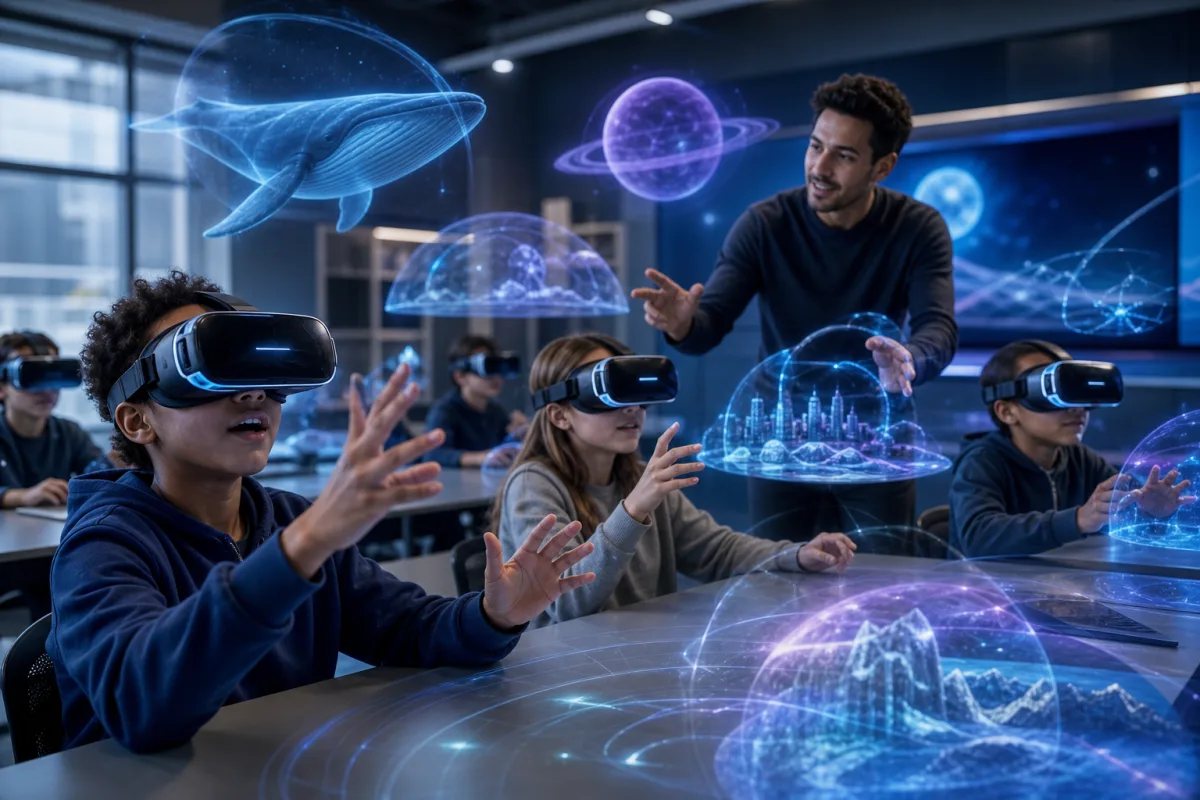
Key Takeaways
- VR in the classroom ranges from a projector to a full class set of headsets — start where you are.
- The biggest wins are access to impossible places and deep engagement.
- A rotation model with a few headsets is the most practical starting point for most schools.
- Hygiene, session length and supervision are the main practicalities to plan for.
- Browser-based 360° worlds mean you can begin with zero new hardware.
- Separate the content (the worlds) from the hardware (the headset) — the content is the value.
Virtual reality in schools has a reputation problem: expensive headsets, fiddly setup, motion sickness and a cupboard full of devices nobody uses. The reality in 2026 is far more practical. You can bring the core benefit of VR — putting students inside a subject — into your classroom this week, and scale up only when it's genuinely worth it. This guide shows you exactly how, from a no-headset start to a full rollout.
What "VR in the classroom" really means
It helps to separate two things people habitually lump together:
- Immersive content — 360° worlds you can look around and explore, like a reconstruction of Roman London or a journey through the solar system.
- VR hardware — headsets that deliver that content with full head-tracked presence.
The valuable part is the content. The headset is simply the most immersive way to deliver it. That single distinction is what makes classroom VR affordable and approachable: the same world that shines in a headset also works on your projector and your tablets. If you understand nothing else about school VR, understand this — you're buying into content, and hardware is an optional amplifier. For the underlying theory, see what is immersive learning?.
The three delivery models
There isn't one way to "do VR" in a classroom — there are three, and most schools move through them in order.
1. Whole-class (no headsets)
Project a 360° world onto the board or interactive whiteboard and lead the class through it, deciding together where to look. This is the easiest possible start — no new hardware, no management overhead — and it's genuinely effective for a shared virtual field trip. The teacher stays in control of pace and focus, which makes it ideal for introducing a topic or running a guided enquiry with the whole room.
Don't underestimate this model. A well-run whole-class exploration with a strong question delivers most of the learning value of VR with none of the logistics.
2. Small-group rotation
Add a handful of headsets or tablets. While one group explores in headsets, the rest work on a related task, then rotate. This is the sweet spot for most schools: a fraction of the cost of a full class set, most of the impact, and manageable supervision. Four to six headsets is often enough to run a smooth rotation for a full class within a single lesson.
The rotation model also solves the age-guidance problem neatly — you can offer headsets to the students they're suitable for while others use tablets, and everyone experiences the same world.
3. One-to-one
A full class set gives every student their own headset simultaneously. It's the most immersive option and the most demanding to run — best reserved for schools that have committed to VR, built the routines to support it, and have the technical support to keep a set of devices charged, updated and working.
Getting the practicalities right
Classroom VR succeeds or fails on logistics. Handle these and the technology fades into the background:
- Session length. Keep individual headset time to 10–15 minutes. It's plenty for a focused exploration and avoids fatigue or discomfort.
- Hygiene. Wipe headsets between users; washable or disposable face covers make this quick and are worth buying up front.
- Supervision and space. Students in headsets can't see the room, so keep the space clear and keep them seated or in a defined area, and keep a direct eye on the group in headsets.
- Cast the view. Mirroring one headset to the board keeps the class shared, lets you guide the experience, and gives students out of headsets something to follow.
- Age guidance. Follow the manufacturer's minimum age (often 13) for headsets; younger classes use the projector or tablet route, which delivers the same content.
- Motion comfort. 360° worlds are largely stationary "look around" experiences, which are far more comfortable than fast-moving VR games. Still, let any student stop the moment they feel uneasy.
Why bother: the classroom payoff
Done well, VR earns its place because it delivers things ordinary teaching can't:
- Access to the impossible. Visit the distant past, the deep ocean, or inside the human body — places no coach could ever reach.
- Engagement. Presence captures attention in a way slides simply can't, and attention is the gateway to learning.
- Retention. Spatial, emotional experiences are remembered far longer than passively received facts.
- Inclusion. Every student joins, including those who can't do physical trips — see immersive learning for SEND.
These map directly onto the wider case in 7 benefits of immersive learning for students. And as always, the gain depends on pairing the experience with a clear purpose rather than treating it as a novelty.
Why browser-based VR is easier
Traditional classroom VR meant installing and updating apps on every headset and getting each one through app-store approvals — a real and recurring IT burden that sank many well-intentioned VR programmes. 360Worlds runs in a web browser on computers, tablets and headsets, which removes the single biggest headache:
- No installs — open a link and go.
- No per-device updates to chase.
- One platform, every device — computer, tablet and headset all run the same worlds.
Students can use a dedicated headset viewer for smoother sessions, but nothing needs approving or deploying to the app store. For the full answer on hardware, read do you need a VR headset to use 360Worlds?.
Common concerns, answered
- "We can't afford it." Start whole-class on the board for free-of-hardware immersion, then add a small shared set only if it proves its worth. Flagship headsets can cost close to £1,000 — that doesn't have to be the starting price of immersive learning.
- "It'll be chaos." The rotation model with cast-to-board keeps the class together and gives everyone a task. Short sessions keep energy focused.
- "Our students are too young for headsets." Then use the projector or tablet route — the worlds are identical, and whole-class delivery is often pedagogically better for younger classes anyway.
- "IT won't allow it." Browser-based delivery means no installs, which is usually far easier for IT to approve than app-based VR.
How to start this term
- Pick a world that matches a topic you're teaching from the library.
- Run it whole-class on the board for ten minutes with a clear question and a looking task.
- Debrief and see how it lands — most teachers are surprised by the engagement.
- If it works, add a few headsets and try the small-group rotation model.
That's a realistic path from zero to a working classroom-VR routine without a big budget or a leap of faith. Plan each session using how to plan a virtual field trip, and when you're ready to scale across the school, 360Worlds for schools is built for exactly this — view pricing or book a demo.
- #vr in the classroom
- #virtual reality education
- #vr in education
- #classroom technology
- #vr headsets
- #edtech
Frequently Asked Questions

The 360Worlds Team
Immersive Learning Specialists
We build immersive educational worlds that let learners explore history, science, geography, space and nature through interactive 360° experiences.
Related Articles
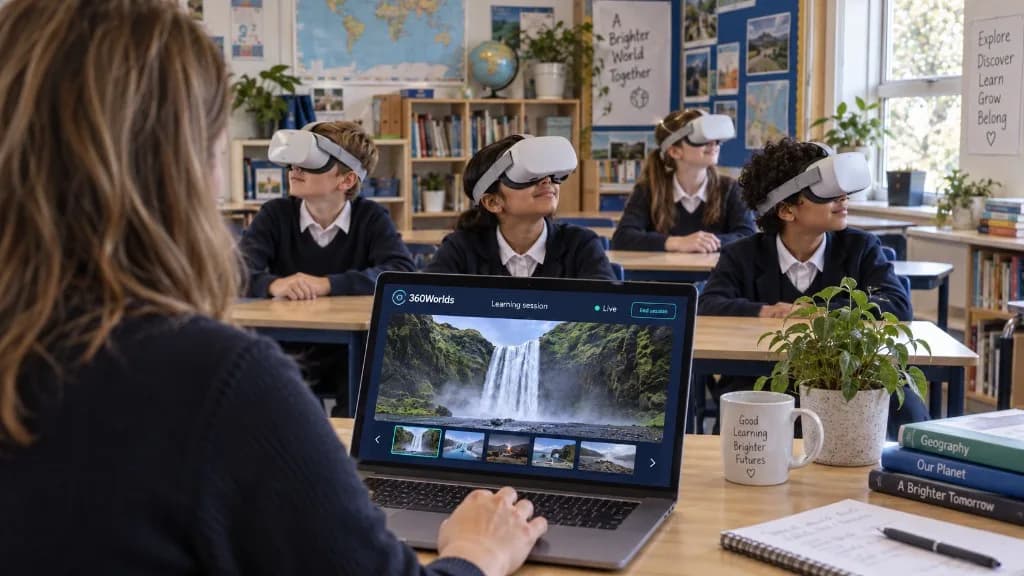
Introducing VR Learning Mode: Let Your Teacher Lead the Way
Teacher-controlled sessions. Shared discoveries. VR Learning Mode lets teachers lead a live Learning Session from their laptop, so pupils explore the same world together in the classroom or online.
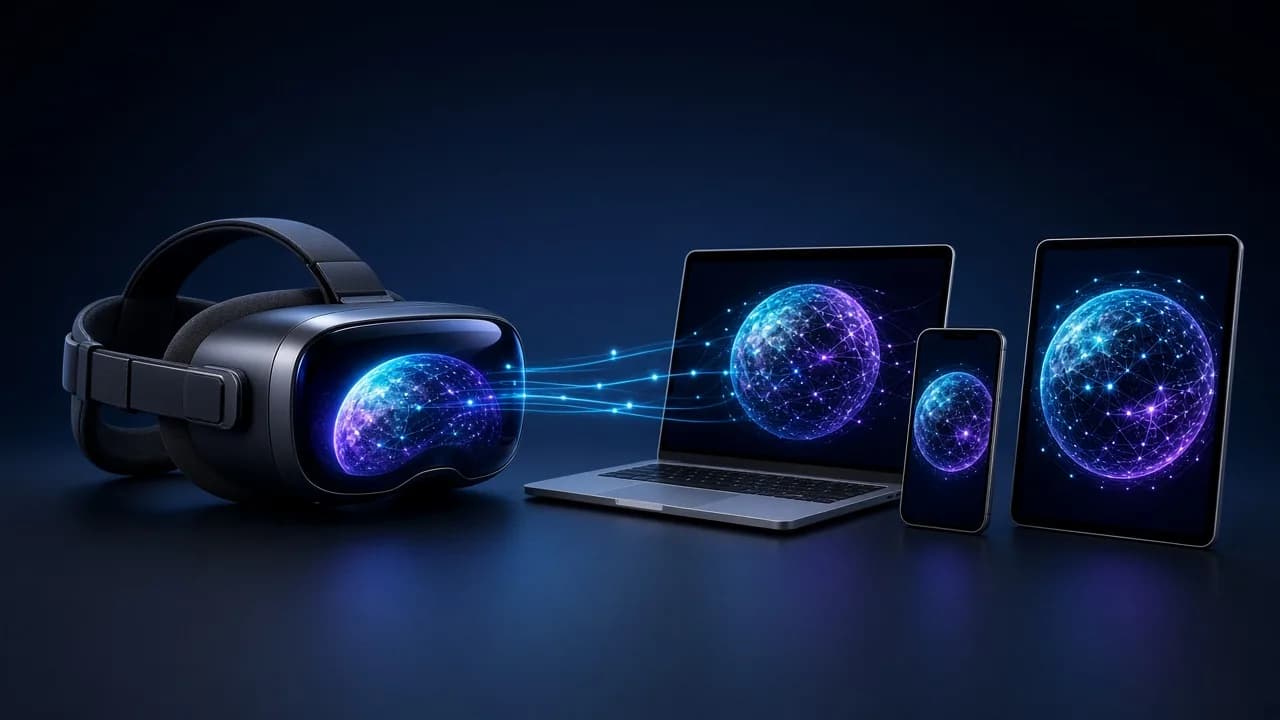
VR Headset Prices and the Future of Immersive Learning
Valve's new Steam Frame has put VR headset prices back in the spotlight. Here's why immersive learning shouldn't wait for a £1,000 headset — and how 360Worlds lets schools and families start on the devices they already own.
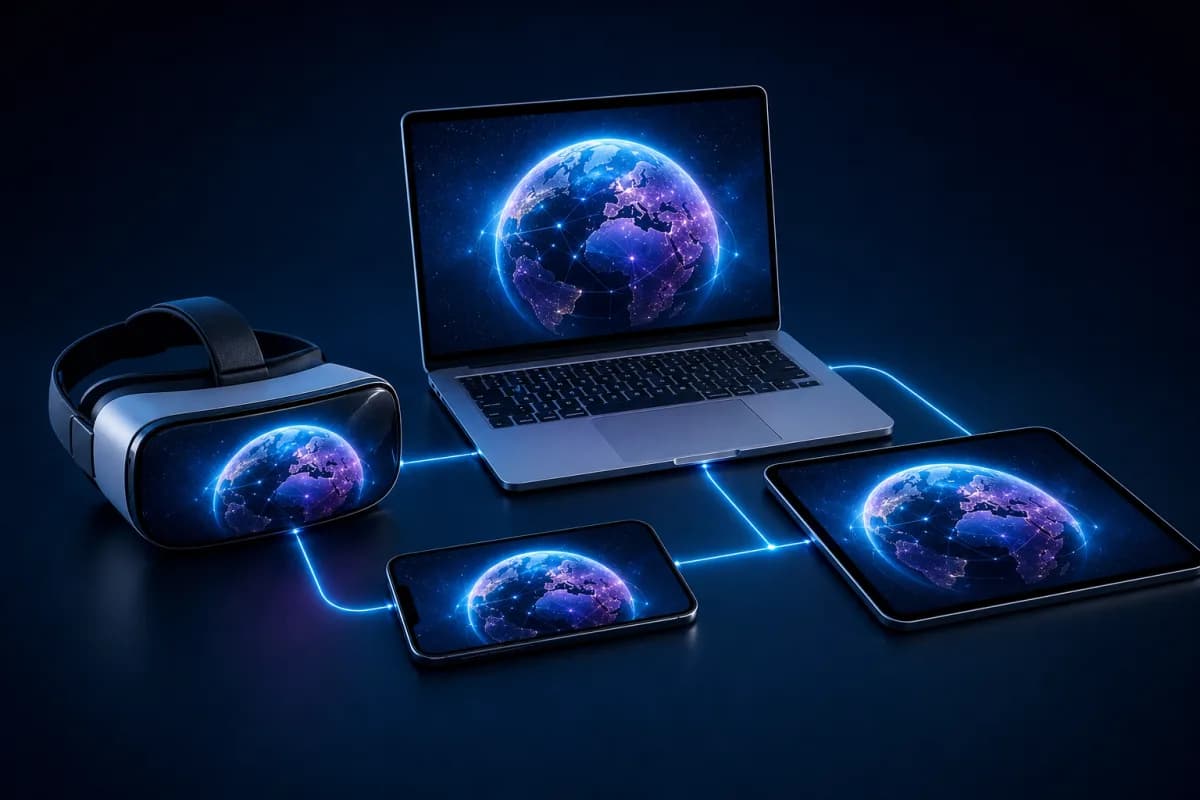
Do You Need a VR Headset to Use 360Worlds? The Complete Answer
Short answer: no. 360Worlds runs in any web browser, on any device. Here's exactly what works with and without a headset, what a headset adds, when it's worth it, and why browser-based immersive learning is so much easier for schools.