
VR Headset Prices and the Future of Immersive Learning
Valve's new Steam Frame has put VR headset prices back in the spotlight. Here's why immersive learning shouldn't wait for a £1,000 headset — and how 360Worlds lets schools and families start on the devices they already own.
Key Takeaways
- High-end VR can be excellent — and still too expensive to be the only way in.
- Immersive learning should start on devices people already have.
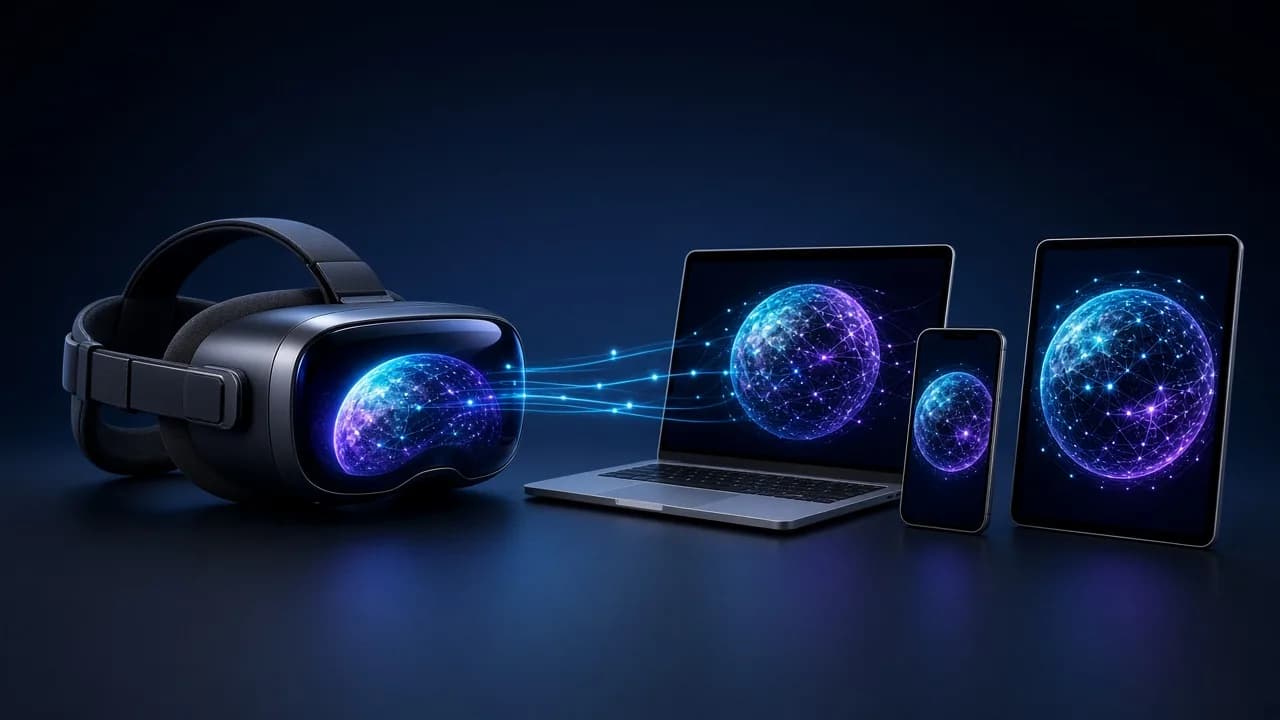
- 360Worlds is browser-based, so a headset is optional rather than required.
- Teachers can introduce a world on a classroom screen; families can explore at home on a phone.
- Hardware only helps if the experience has a clear purpose.
Valve's new Steam Frame has put the cost of virtual reality back in the spotlight. As headsets become more capable, a practical question follows: how do we make immersive experiences useful for more people, rather than only for those who can buy flagship hardware?
In his BBC review of the Steam Frame, technology reporter Tom Gerken praises its comfort and capabilities while questioning the price. The UK models cost £889 for 256GB of storage and £1,089 for 1TB. The article also acknowledges that cheaper headsets exist, so those figures should not be mistaken for the entry price of all VR.
For teachers, families and learners, the story still raises a useful point: how much hardware should someone need before they can stand in Ancient Egypt, look around a coral reef or travel through the Solar System?
At 360Worlds, we believe people should be able to start with the devices they already own.
Immersive learning should be easy to open
A headset can add a powerful sense of presence. Looking around a virtual environment by turning your head is different from viewing it on a screen — and for the right moment, that extra presence is worth seeking out. See what a headset actually adds if you are weighing one up.
There is also real value in opening a link on a laptop, looking around a scene and choosing where to go next. For many lessons and many evenings at home, that is a useful place to start.
Browser-based 360° worlds and full tracked VR are different formats. A panoramic world on a classroom whiteboard does not reproduce everything a headset can offer. It can, however, let a class explore at a shared pace without first buying specialist equipment.
For a teacher introducing a topic, or a parent and child following a spark of curiosity, that accessibility can make the experience easier to fit into an ordinary day.
What 360Worlds makes possible
360Worlds uses immersive 360° environments for discovery and learning. The library includes worlds such as Ancient Egypt, the Solar System, Walking With Dinosaurs and The Tropical Oceans, with narration and interactive hotspots.
Every world runs in a browser on a computer, tablet or phone. A compatible VR headset is optional. The Tropical Oceans is free to explore without registration.
That creates several ways to use an experience:
- A teacher can introduce a world on a classroom screen, pause to discuss what pupils notice, and use their questions to guide the next part of the lesson.
- Students can explore in pairs on tablets, looking up, down and behind them as though the device were a window into the scene.
- At home, a parent and child can explore a scene together and follow up an unfamiliar topic.
- Anyone with a compatible headset can put one on later and explore the same world with full presence.
The educational value still depends on the content and how it is used. Clear explanations, thoughtful questions and accurate information deserve as much attention as the visuals. Giving learners control over where they look is a starting point for curiosity — the teaching decides what that curiosity becomes.
For a practical classroom route, see VR in the classroom and how to plan a virtual field trip.
Hardware is only half the decision
The Steam Frame story is a useful reminder that buying hardware is only part of the choice. People also need a reason to use it regularly.
For a teacher, that reason might be helping a class understand scale, place or period. For a family, it might be exploring a subject together after school. For a learner, it might be a shared environment to observe, notice and discuss.
Those purposes should guide the format. Some experiences benefit substantially from a headset. Others serve their audience well through a browser, with optional VR adding another way to explore.
Our view is that wider adoption of immersive learning will depend on making content useful and easy to open, alongside continued improvements in hardware. 360Worlds puts that approach into practice: educational worlds first, specialist equipment optional.
Ready to try it? Explore Tropical Oceans free, browse the full library of worlds, or see 360Worlds for schools.
Frequently Asked Questions

The 360Worlds Team
Immersive Learning Specialists
We build immersive educational worlds that let learners explore history, science, geography, space and nature through interactive 360° experiences.
Related Articles
Introducing VR Learning Mode: Let Your Teacher Lead the Way
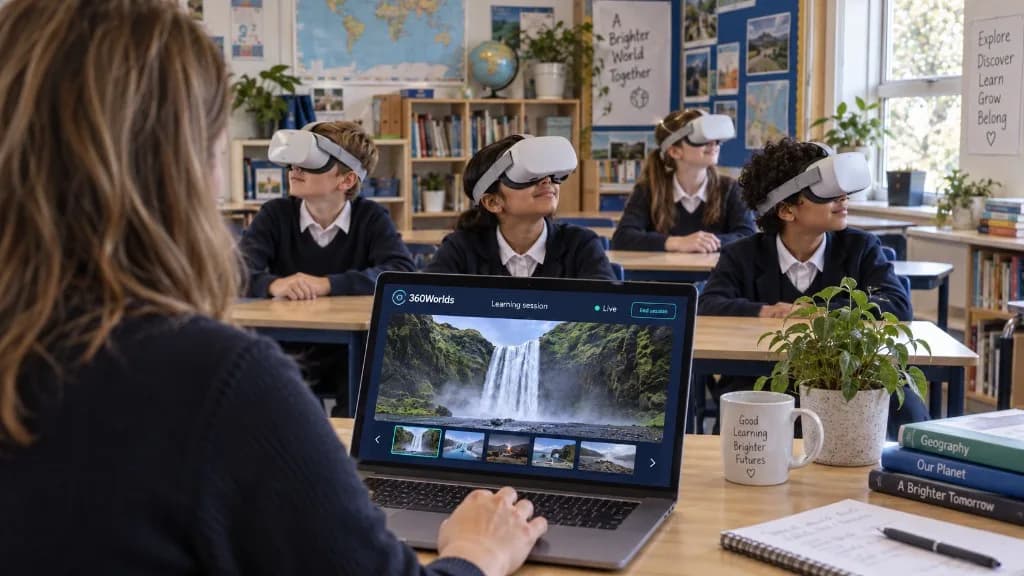
Teacher-controlled sessions. Shared discoveries. VR Learning Mode lets teachers lead a live Learning Session from their laptop, so pupils explore the same world together in the classroom or online.
VR in the Classroom: A Complete Practical Guide for Schools
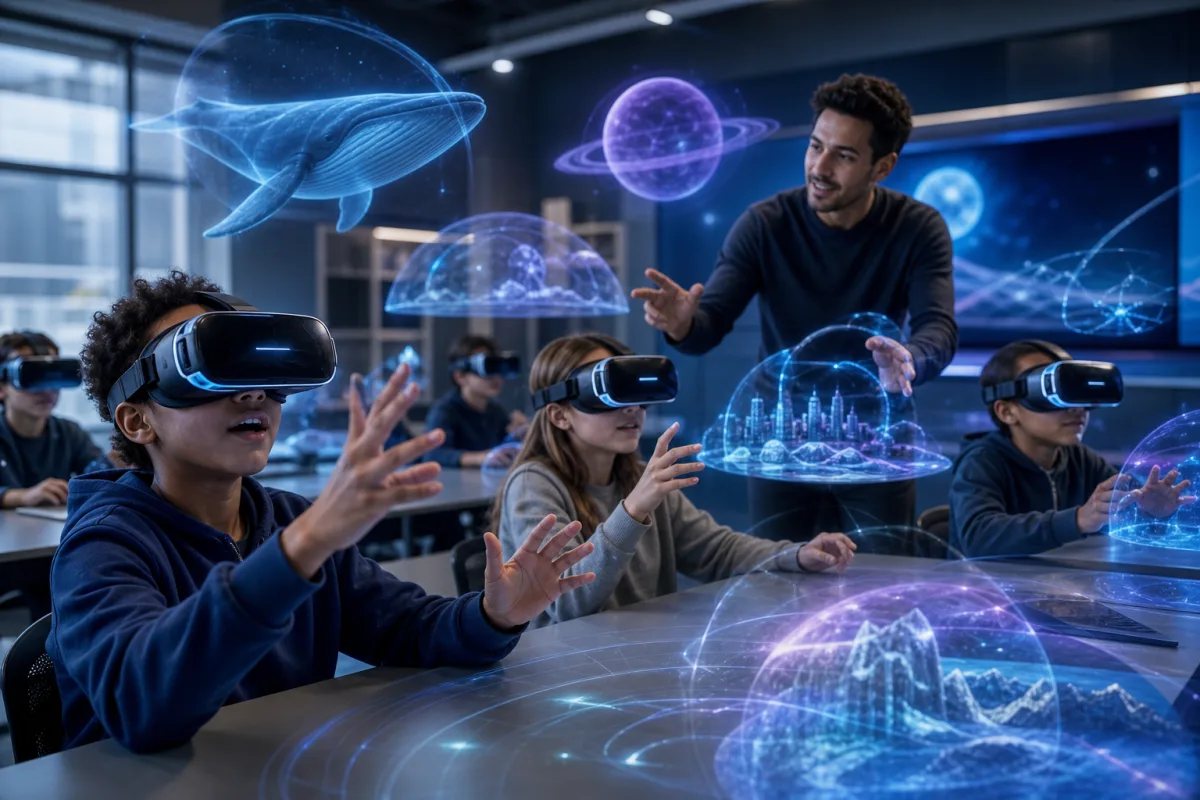
Virtual reality in schools sounds daunting and expensive — it doesn't have to be. A practical guide to using VR and 360° worlds in the classroom, from no-headset starts to full headset rollouts, with the benefits, delivery models and safety you need.
Do You Need a VR Headset to Use 360Worlds? The Complete Answer
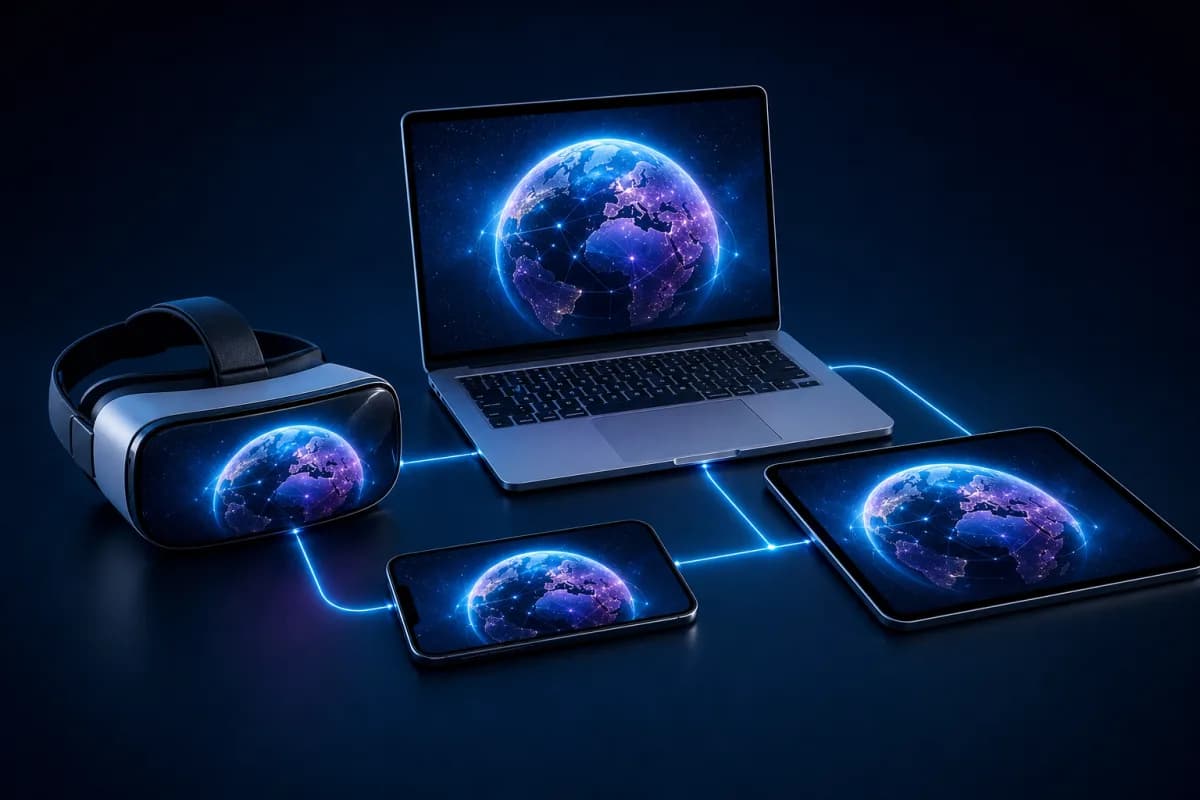
Short answer: no. 360Worlds runs in any web browser, on any device. Here's exactly what works with and without a headset, what a headset adds, when it's worth it, and why browser-based immersive learning is so much easier for schools.