
Do You Need a VR Headset to Use 360Worlds? The Complete Answer
Short answer: no. 360Worlds runs in any web browser, on any device. Here's exactly what works with and without a headset, what a headset adds, when it's worth it, and why browser-based immersive learning is so much easier for schools.
Key Takeaways
- You do not need a VR headset — 360Worlds runs in any browser on any device.
- On a computer you drag to look around; on a phone or tablet you move the device or drag.
- A headset adds full presence and head tracking, but it's an optional upgrade.
- There are no apps to install; everything runs on the web.
- Schools can start whole-class on a projector and add headsets later if they choose.
It's the first question almost everyone asks: do we need to buy headsets? The answer is a clear no — and understanding why helps you get the most out of 360Worlds whatever equipment you already have. This guide covers what works on every device, what a headset actually adds, when it's worth buying one, and why browser-based immersive learning has quietly removed the biggest barriers that held classroom VR back for years.
The short answer
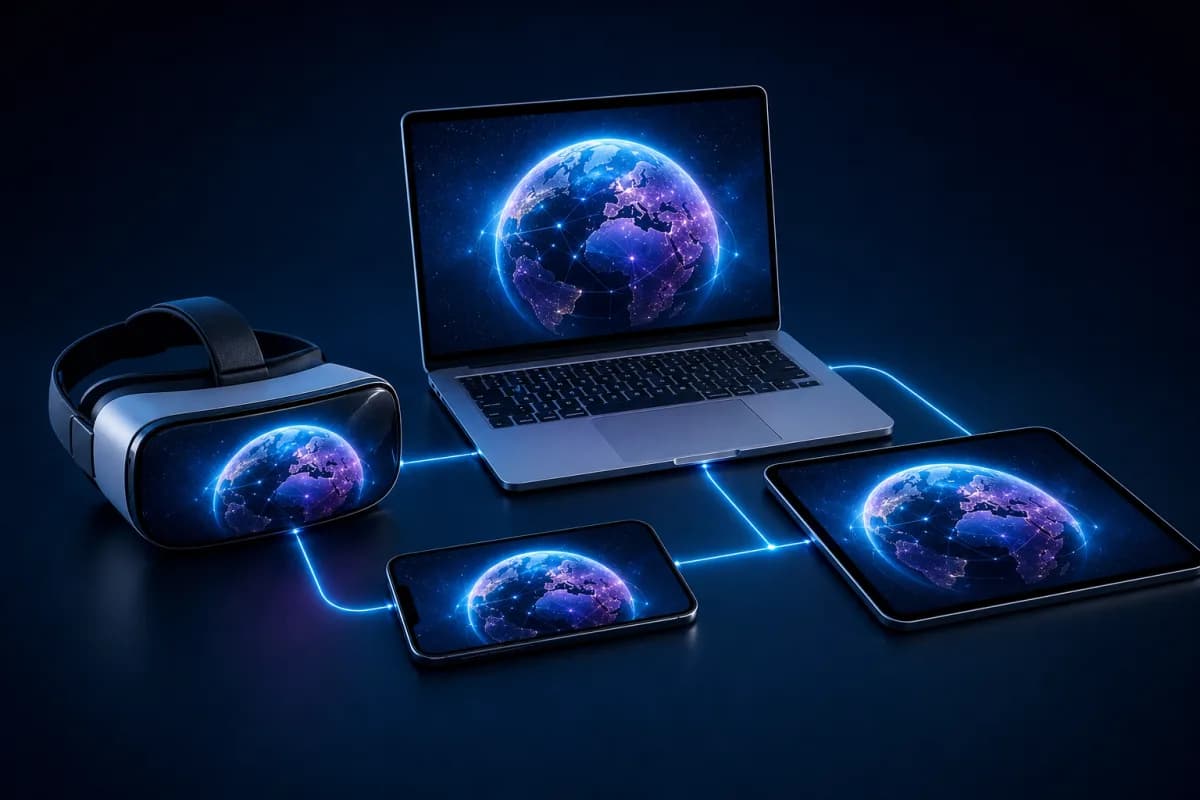
360Worlds is browser-based. Every world runs in a normal web browser, so any reasonably modern device can explore the full library with no headset and no app to install. A VR headset is a genuine upgrade to how immersive the experience feels, but it changes nothing about what content you can access.
This is the crucial mental model. Immersion is a dial, not a switch. At one end you have a world projected on the whiteboard and explored as a class; in the middle, students dragging around a scene on tablets; at the far end, full head-tracked presence in a headset. Every point on that dial teaches the same content — you simply choose how much presence you want, and when. This is the practical side of the immersion spectrum described in what is immersive learning?.
What works on each device
Computer or laptop
Open a world in the browser and drag with the mouse to look around; click hotspots to move between scenes and reveal information. This is ideal for whole-class teaching on a projector or interactive whiteboard — the whole room shares one virtual field trip, guided by the teacher. For most classrooms, this is the default and most practical way to use 360Worlds.
Phone or tablet
Explore by dragging with a finger, or by physically moving the device to pan around the scene — a lovely, intuitive way to look up, down and behind you as though the phone were a window into the world. This is perfect for individual or paired exploration, and for homework. Slot a phone into a cheap cardboard viewer and you even get a taste of headset-style immersion for a few pounds.
VR and XR headset
Put on a standalone headset, open 360Worlds in its browser (or the dedicated headset viewer), and simply turn your head to look around. This is full presence — the strongest possible sense of actually being there. It's the most immersive way to experience a world, and for the right lesson it can be genuinely awe-inducing.
What a headset actually adds
It's worth being honest about the difference, because it helps you decide whether to invest:
- Head tracking instead of dragging. You look by turning your head, which feels natural and removes the small friction of using a mouse or finger.
- A stronger sense of scale and presence. Standing "inside" a scene at full size is more visceral than viewing it on a flat screen — the reef feels vast, the Roman basilica towering.
- Fewer distractions. With the room blocked out, attention is fully on the world.
What a headset does not add is more content, more information or a different lesson. The learning material is identical. So the question isn't "do I need a headset to learn this?" — you don't — but "is the extra presence worth the cost and management for this class, right now?"
When is a headset worth it?
A headset adds real value when:
- You want the maximum "wow" and presence — a memorable, awe-driven moment that anchors a topic.
- You're teaching something where spatial immersion matters most, like scale, environment or perspective.
- You've got the routines to manage headsets in class — see VR in the classroom for how.
A headset is not necessary when:
- You're teaching the whole class at once — the projector is better for shared, guided exploration.
- You're just starting and want to prove the value before spending anything.
- Your students are below the headset age guidance (often 13), in which case the projector or tablet route delivers the same worlds appropriately.
- Inclusion is the priority — for some students a headset is overwhelming, and screen-based delivery is the kinder, more accessible default. See immersive learning for SEND.
Why browser-based matters for schools
Traditional classroom VR meant installing and updating apps on every headset and getting each one through app-store approval — a real IT burden that quietly killed many VR programmes before they got going. Because 360Worlds runs on the web:
- No installs. Open a link and go.
- No updates to manage on each device.
- One platform, every device — computer, tablet and headset all run the same worlds from the same link.
- Easier IT approval. A website is far simpler to sanction than deploying and maintaining apps across a fleet of devices.
That's a big part of why browser-based immersive learning is far easier to run — and far more likely to actually stick — than headset-first VR ever was.
Cost: the honest picture
Because 360Worlds runs on the hardware you already own, the baseline cost of immersive learning is effectively zero in equipment terms — an interactive whiteboard or a set of tablets is all you need to start. Headsets are an optional upgrade for schools that decide the extra presence justifies the spend, and even then a small shared set on rotation covers a class far more cheaply than one device per student. For the wider picture on flagship headset prices — and why immersive learning shouldn't wait for one — see VR headset prices and the future of immersive learning.
The practical recommendation
Start on the equipment you already own. Run a world whole-class on the board, prove the value with a real lesson, and then — if you want the extra presence — add a small set of headsets on a rotation. You'll never be blocked from the content by hardware, and you'll never spend money before you're sure it's worth it.
Ready to explore? Browse the full library of worlds on whatever device you have right now. To bring immersive worlds into your school across every subject and device, see 360Worlds for schools, view pricing, or book a demo.
Frequently Asked Questions

The 360Worlds Team
Immersive Learning Specialists
We build immersive educational worlds that let learners explore history, science, geography, space and nature through interactive 360° experiences.
Related Articles
Introducing VR Learning Mode: Let Your Teacher Lead the Way
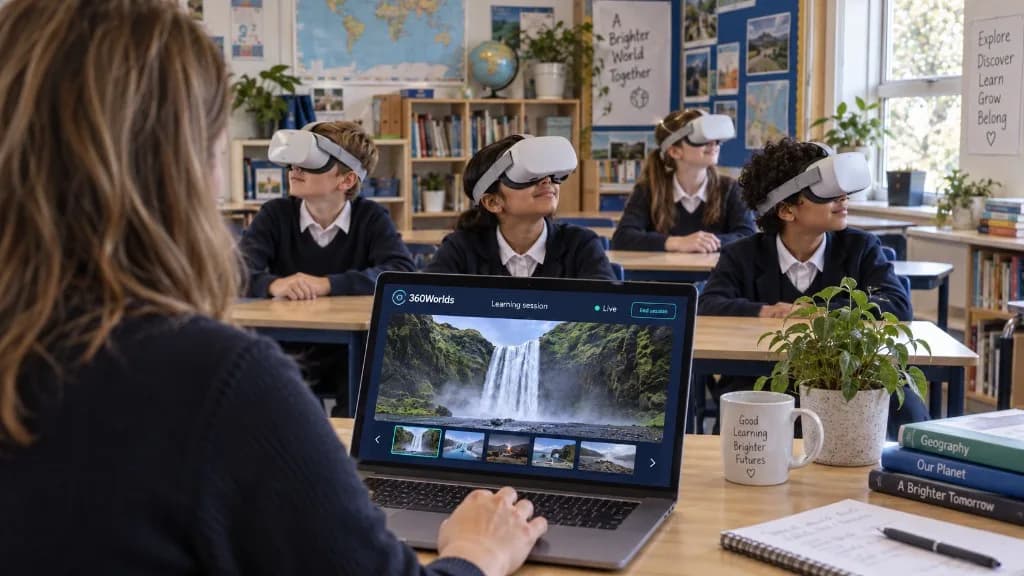
Teacher-controlled sessions. Shared discoveries. VR Learning Mode lets teachers lead a live Learning Session from their laptop, so pupils explore the same world together in the classroom or online.
VR Headset Prices and the Future of Immersive Learning
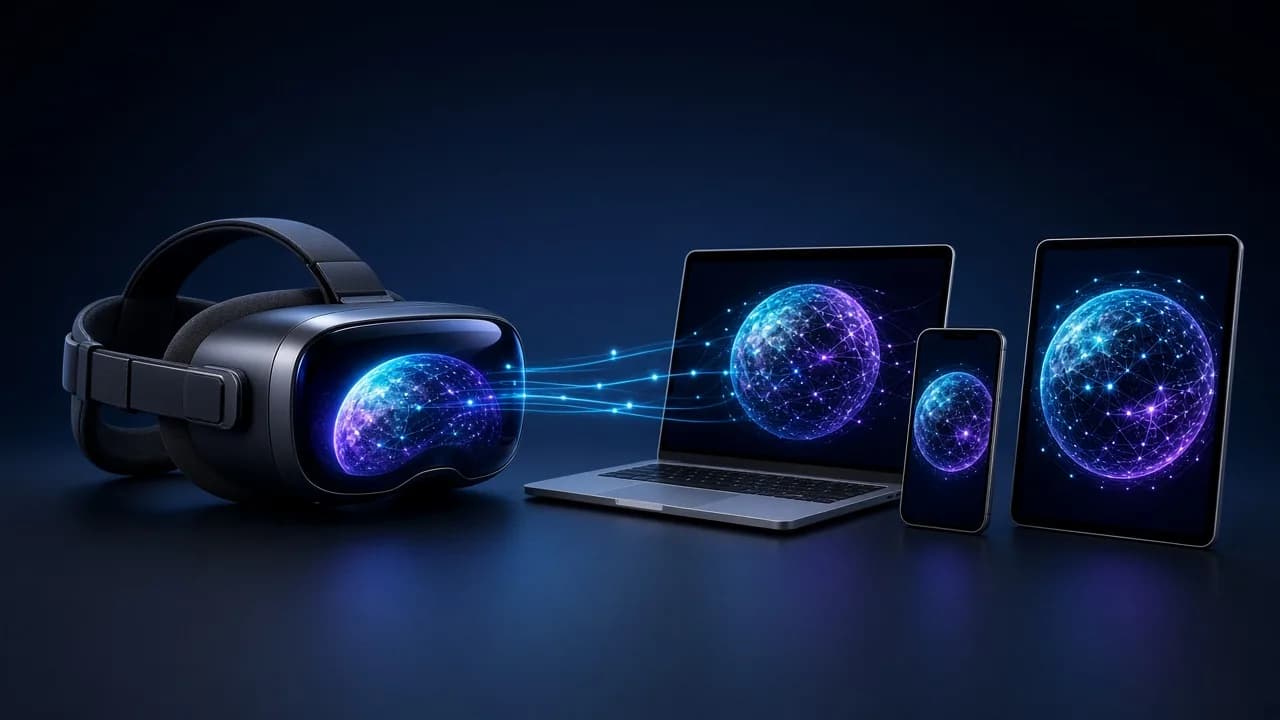
Valve's new Steam Frame has put VR headset prices back in the spotlight. Here's why immersive learning shouldn't wait for a £1,000 headset — and how 360Worlds lets schools and families start on the devices they already own.
VR in the Classroom: A Complete Practical Guide for Schools
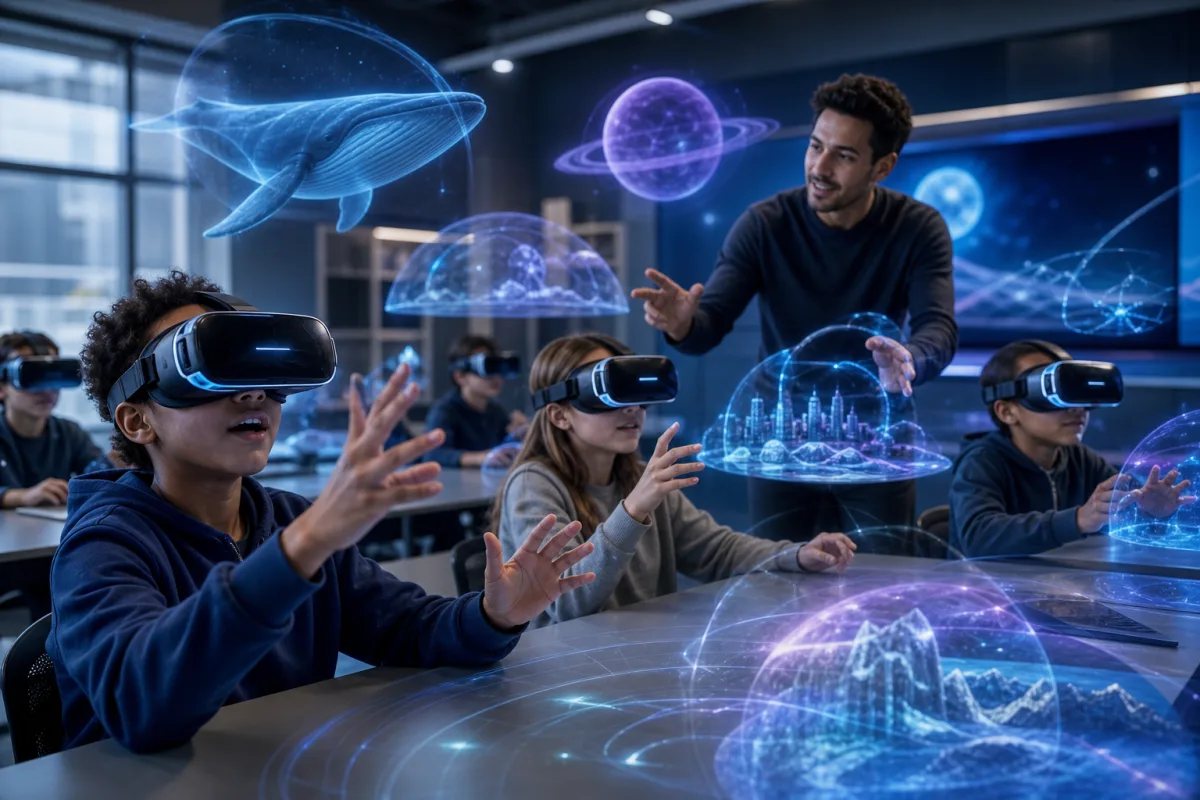
Virtual reality in schools sounds daunting and expensive — it doesn't have to be. A practical guide to using VR and 360° worlds in the classroom, from no-headset starts to full headset rollouts, with the benefits, delivery models and safety you need.