
How 360° Video Is Transforming Education: A Complete Guide
360° video lets students look anywhere in a scene, turning a passive clip into a place they explore. Here's what it is, how it differs from normal video and interactive worlds, why it works in the classroom, and how to use it well.
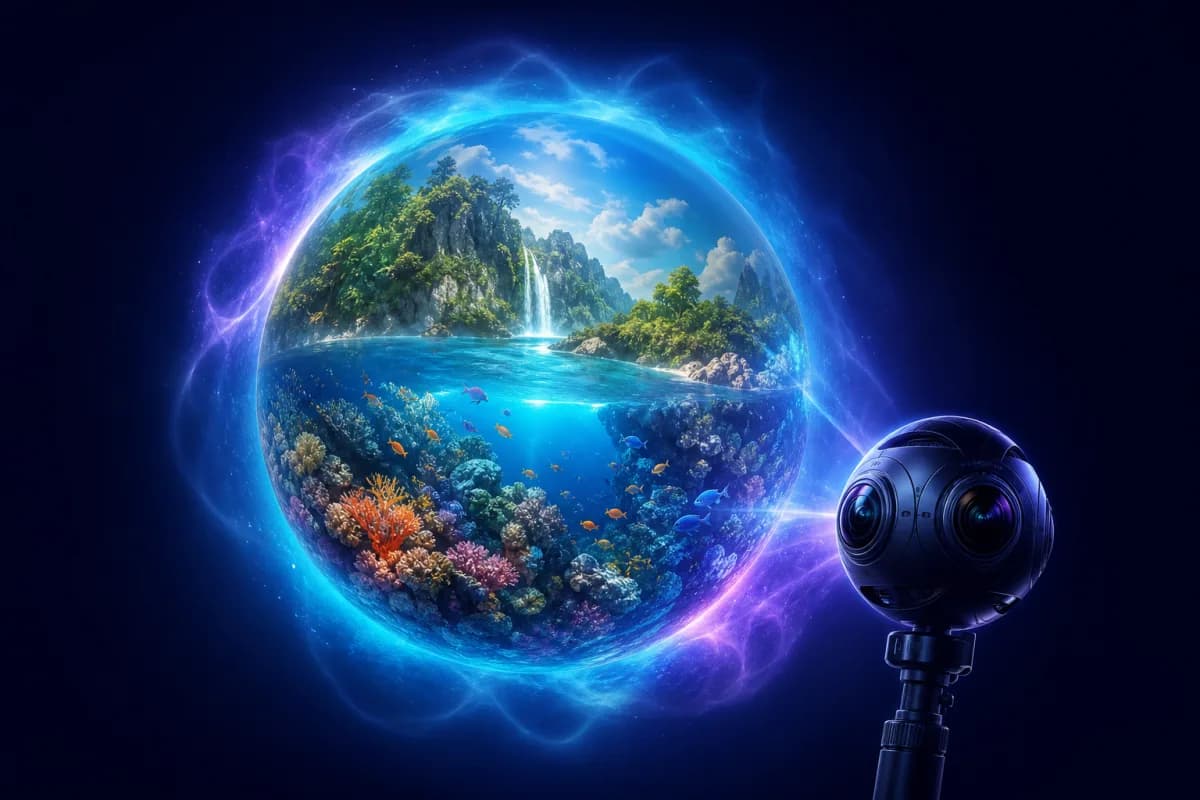
Key Takeaways
- 360° video records every direction at once, so viewers choose where to look.
- It adds presence and agency that flat video lacks.
- It suits real events and places; interactive worlds add navigation and hotspots on top.
- It works on projectors, phones, tablets and VR headsets — no special kit to start.
- Pair it with a clear looking task so students explore with purpose.
Ordinary video shows students exactly what a camera operator chose to film. 360° video hands the viewpoint to the viewer: the footage is captured in every direction at once, so a student can look up at the rainforest canopy, down at the reef below, or behind them at the rest of the scene — all while the moment plays out. That single change, from watching to looking, is quietly reshaping how video is used in the classroom.
This guide explains what 360° video really is, how it differs from both normal video and fully interactive worlds, why it works for learning, and how to use it well in lessons.
What 360° video actually is
A 360° camera records the entire sphere around it simultaneously, using multiple lenses that are stitched together into a single seamless image. On playback, the viewer drags to look wherever they want, or — in a headset — simply turns their head. Nothing is added or animated; it's real footage of a real place. The result feels less like a clip and more like standing somewhere while something happens around you.
That's the key distinction from ordinary video, and it's why 360° footage sits firmly on the immersion spectrum described in what is immersive learning?: it adds presence and viewer agency, the two ingredients that make immersive media memorable. A normal video positions students as an audience. A 360° video positions them as a witness.
360° video vs interactive worlds
It's worth being precise here, because the terms often get blurred:
- 360° video is a recording of a real moment you look around within — a dive on a reef, a walk through a market, a rocket launch, a storm rolling in.
- Interactive worlds let you also move between scenes, tap hotspots for information, follow guided narration, and answer questions along the way.
They're complementary rather than competing. Video captures the vividness and authenticity of a real moment; worlds add navigation, structure and interactivity on top. Many of the strongest lessons combine the two — a 360° video to establish a place viscerally, then an interactive world to explore and explain it. 360Worlds uses both: explore the 360° video collection alongside the fully interactive worlds library.
Understanding the difference helps you choose the right tool. If your goal is "feel what it's like to be there", video is often enough. If your goal is "explore, investigate and learn structured content", an interactive world does more.
Why 360° video works in the classroom
The medium's advantages map neatly onto how learning happens:
- Presence. Being able to look around makes students feel in the scene, which captures attention that a flat clip loses. Attention is the gateway to memory.
- Agency. Choosing where to look is a small act of control that raises engagement and, crucially, encourages noticing — students spot details they would never have been shown.
- Access. Students visit real places and events they never could in person — a coral reef, an active volcano's edge, a historic site, a moment in nature that would take weeks in the field to witness.
- Authenticity. Because it's real footage, 360° video carries a credibility that animation can't. Students are seeing the actual place.
- Repeatability. Rewind, pause and revisit any angle as many times as the lesson needs — impossible on a real trip.
The risk: immersion without purpose
360° video is engaging enough that it can become a passive novelty if you let it. Students will happily look around a beautiful scene without learning much at all. The evidence on immersive media is consistent: the technology adds presence, but the teaching adds the learning. A stunning reef video with no task is entertainment; the same video with a clear purpose and a follow-up discussion is a genuine lesson.
That's the single most important thing to get right, and it's the theme running through everything below.
How to use 360° video well
- Set a looking task. "Find three signs of erosion." "Watch what the animals do when the tide turns." "Count how many different species you can spot." A task turns aimless looking into structured observation.
- Pause and point. Stop the video and ask the class where they looked and why. Draw attention to something most will have missed.
- Compare. Show the same scene twice and ask students to notice different things each time, or compare two contrasting scenes side by side.
- Connect to prior learning. Explicitly link what students see to the concept you're teaching — the video is the evidence, the concept is the point.
- Debrief. Discussion afterwards is where noticing becomes understanding. What did they see? What does it mean? What questions does it raise?
This mirrors the structure in how to plan a virtual field trip — the principles are the same, because a 360° video is essentially a virtual field trip in recorded form.
360° video across the curriculum
- Geography: coastlines and erosion, rivers, weather systems, ecosystems in situ, urban environments — physical processes are far clearer when students can look around the real landscape.
- Science and biology: habitats and animal behaviour, marine ecosystems, fieldwork preparation, and phenomena too fast, slow, distant or dangerous to observe directly.
- History and culture: real historic sites, museums, ceremonies and places of significance, giving context that complements reconstructed worlds like those in teaching history with immersive worlds.
- PSHE and wellbeing: calming natural scenes and perspective-broadening places that prompt reflection and discussion.
Delivery: from projector to headset
You don't need special equipment. Project a 360° video on the board and drag to look around for a whole-class experience, let students explore on tablets or phones, or use VR headsets for full immersion. Everything runs in a web browser, so there are no apps to install — see do you need a VR headset? for the full picture on devices.
For most classrooms, the practical starting point is exactly the equipment you already own: an interactive whiteboard or projector, with the teacher dragging the view to guide the whole class through the scene together.
Where this is heading
Immersive video and interactive worlds are converging on the same delivery layer: browser-based, explorable experiences viewable on any device, headset included. For teachers, that means the line between "watching a video" and "visiting a place" keeps blurring — in a good way. The medium is becoming less about the gadgetry and more about the everyday ability to take a class anywhere, instantly, and let them look around when they get there.
To bring immersive video and interactive worlds into your teaching across every subject, explore 360Worlds for schools, view pricing, or book a demo.
Frequently Asked Questions

The 360Worlds Team
Immersive Learning Specialists
We build immersive educational worlds that let learners explore history, science, geography, space and nature through interactive 360° experiences.
Related Articles

Immersive Learning Explained: What It Is, Why It Works and How It's Transforming Education
Immersive learning places students inside realistic digital environments — through VR, 360° worlds and interactive simulations — so they explore and discover rather than passively read. Here's what it is, why it works, and how to use it in any classroom.

7 Benefits of Immersive Learning for Students (and How to Realise Them)
Immersive learning does more than impress — it improves engagement, retention, understanding, empathy, motivation, access and reach. Here are seven evidence-backed benefits of immersive learning for students, why each happens, and how to actually get it in your classroom.
Introducing VR Learning Mode: Let Your Teacher Lead the Way
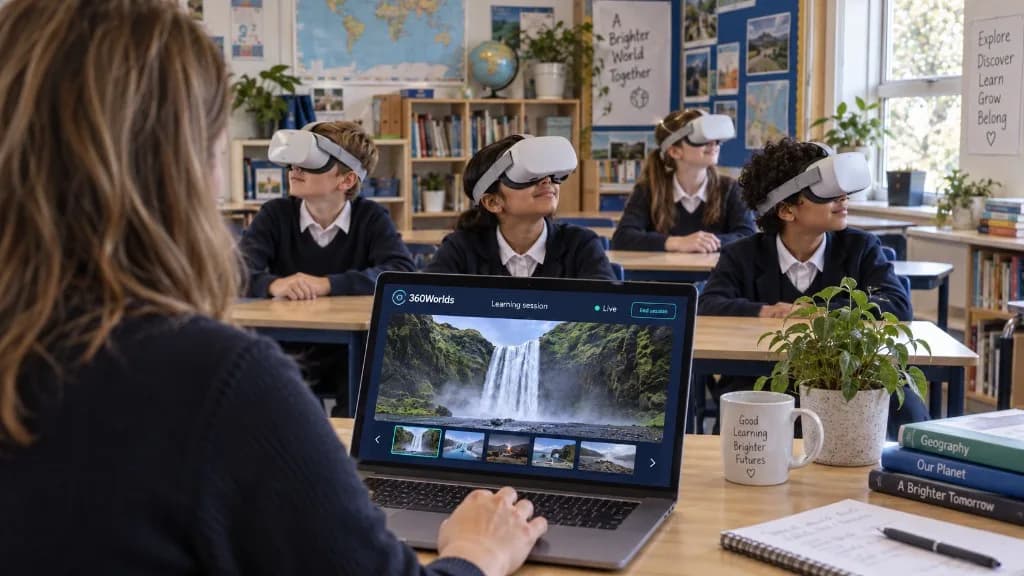
Teacher-controlled sessions. Shared discoveries. VR Learning Mode lets teachers lead a live Learning Session from their laptop, so pupils explore the same world together in the classroom or online.